💳 Scan & Pay
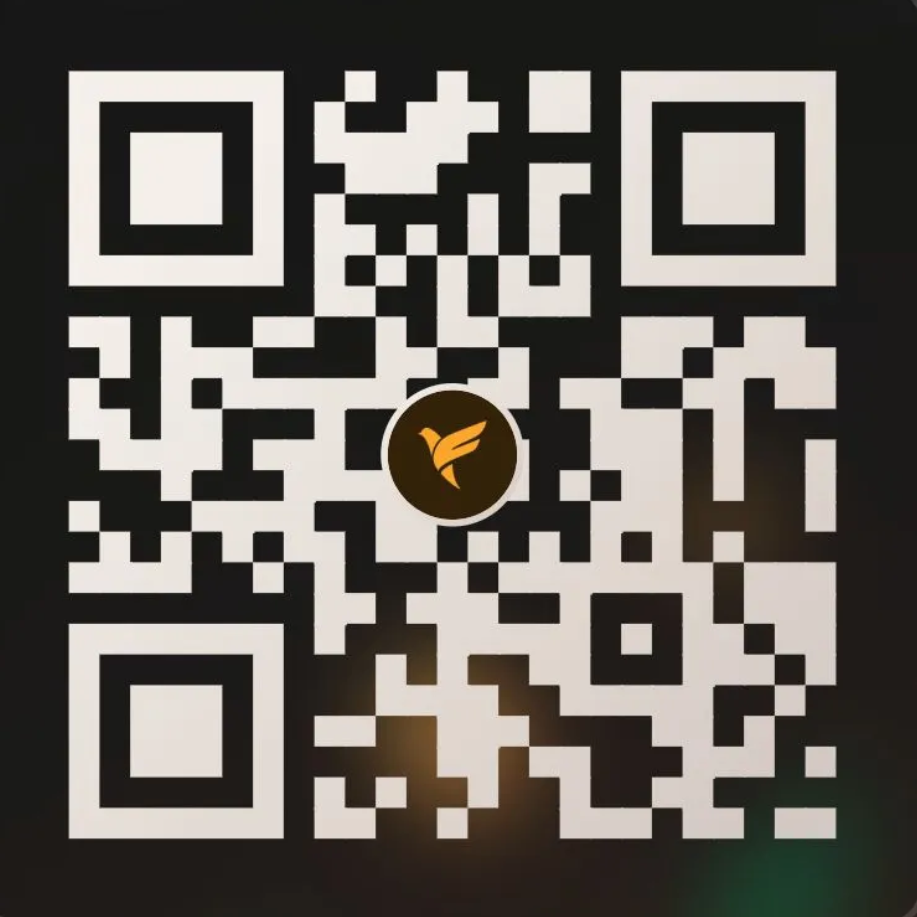
Scan the QR code below using any UPI app (Google Pay, PhonePe, Paytm, etc.)
📋 How It Works
Follow these simple steps to activate your server
Scan the QR Code
Open any UPI app on your phone and scan the QR code above to pay the amount for your chosen plan.
Take a Screenshot
After the payment is successful, take a clear screenshot of the payment confirmation.
Create a Ticket on Discord
Join our Discord server and open a support ticket in the tickets channel.
Send Screenshot & Plan Name
In the ticket, send the payment screenshot and mention which plan you want (e.g. "Pulse Plan — Minecraft Hosting").
Server Activated! 🎉
Our team will verify your payment and set up your server. You'll receive your login details in the ticket!
⚠️ Important: Please do not refresh or close this page before completing the payment. Payments are manually verified, so your server will be activated within a few minutes after you submit the screenshot. If you face any issues, feel free to reach out on Discord!